
Difference: AMPLAtHome (6 vs. 7)
Revision 72009-07-23 - CameronWalker
| Line: 1 to 1 | ||||||||
|---|---|---|---|---|---|---|---|---|
<-- Ready to Review - done - Lauren--> Installing AMPL at Home | ||||||||
| Line: 13 to 13 | ||||||||
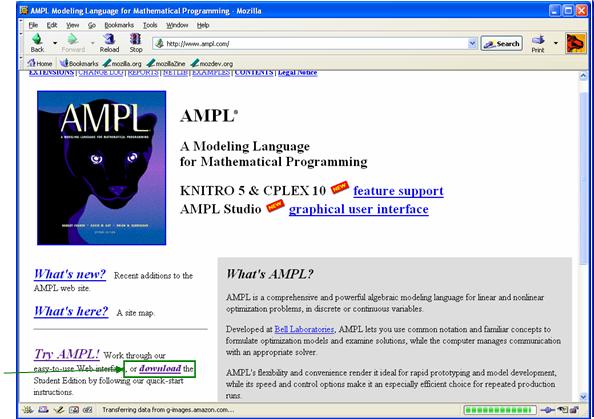
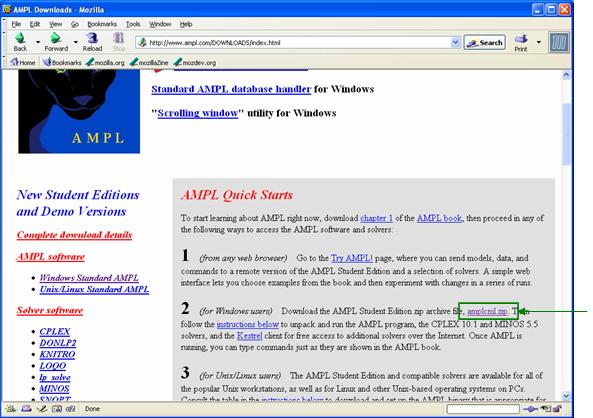
Downloading AMPL
| ||||||||
| Changed: | ||||||||
| < < |
| |||||||
| > > |
| |||||||
Your 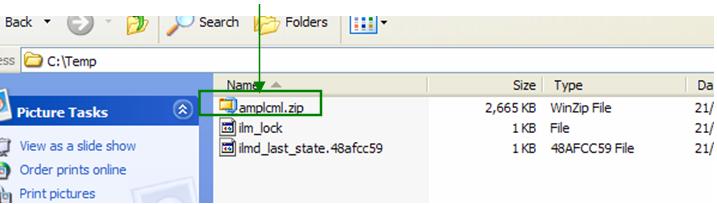
Extracting AMPL | ||||||||
| Changed: | ||||||||
| < < | Open the zip file and extract it into <AMPL root>. Make sure to check Use folder names. | |||||||
| > > | Open the zip file and extract it into Use folder names. | |||||||
| Changed: | ||||||||
| < < | After extraction your <AMPL root> directory should look like this: | |||||||
| > > | After extraction your | |||||||
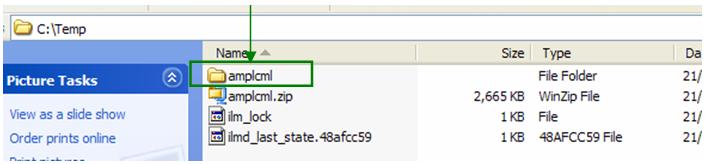
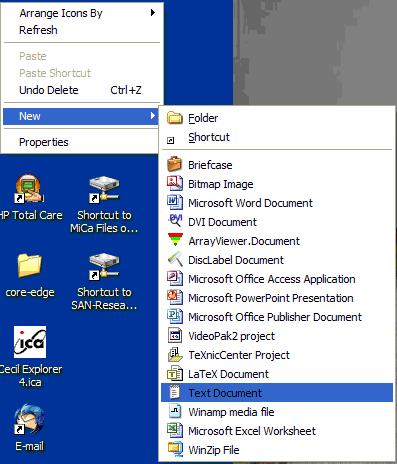
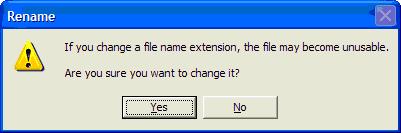
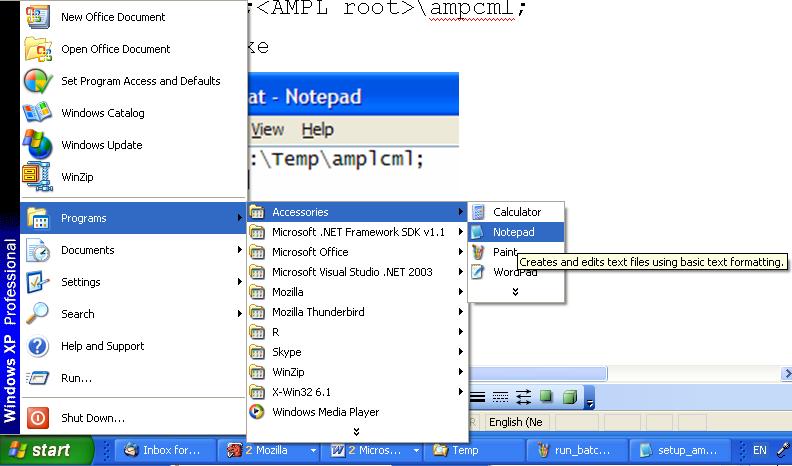
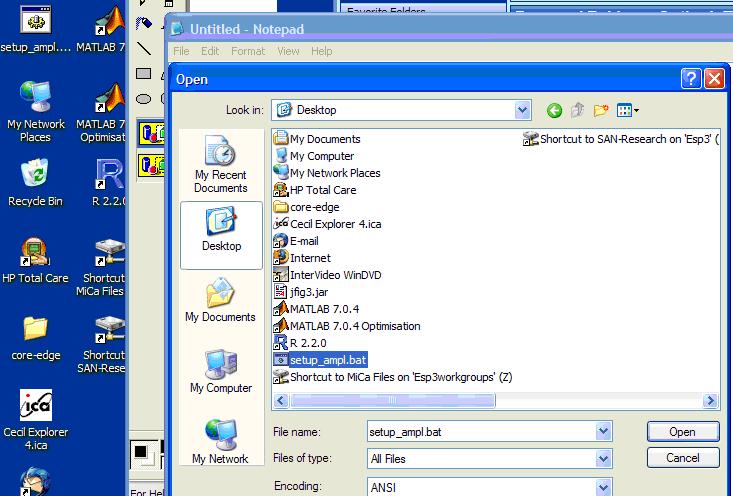
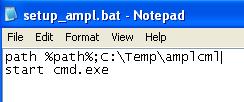
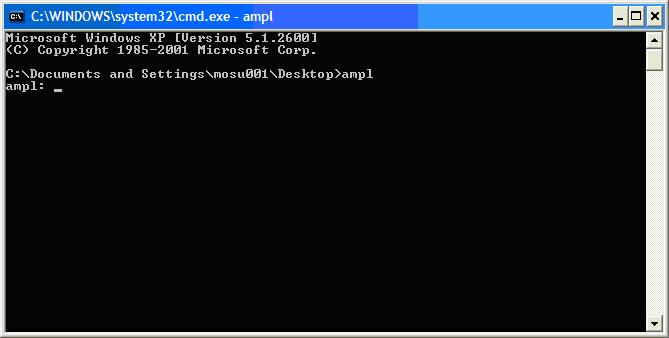
Creating a Batch FileTo simplify your use of AMPL it is easiest to set it up to run from any directory. To do this you need to create a batch file that will set the path to your AMPL executable and then open a Command Line (aka DOS Prompt) window. Here are the steps to do this: | ||||||||
| Changed: | ||||||||
| < < |
| |||||||
| > > |
| |||||||
| ||||||||

View topic | History: r7 < r6 < r5 < r4 | More topic actions...

 Copyright © 2008-2026 by the contributing authors. All material on this collaboration platform is the property of the contributing authors.
 Ideas, requests, problems regarding TWiki? Send feedback