Command Line How-To
For Windows
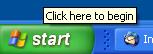
Instructions for starting a command line application in Windows:- Go to the start menu
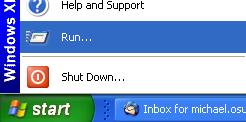
- Select Run...
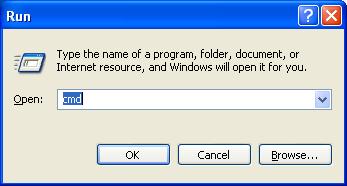
- Enter cmd, and click OK
Navigating using the Command Line
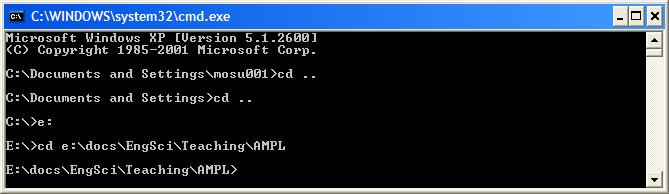
To change drives, e.g., fromC: to E: simply type e: (or E:) at the command line prompt.
To change directories in a drive type cd and the directory path, e.g., to get to the AMPL directory simply type cd cd ...
 If you get stuck, try typing
 help.
-- MichaelOSullivan - 27 Feb 2008This topic: OpsRes > WebHome > AMPLGuide > CommandLineHowTo
Topic revision: r4 - 2008-03-09 - LaurenJackson

 Copyright © 2008-2026 by the contributing authors. All material on this collaboration platform is the property of the contributing authors.
 Ideas, requests, problems regarding TWiki? Send feedback